
The engineering behind Mars Private Network
Notes on why and how we chose to add an in-built private network
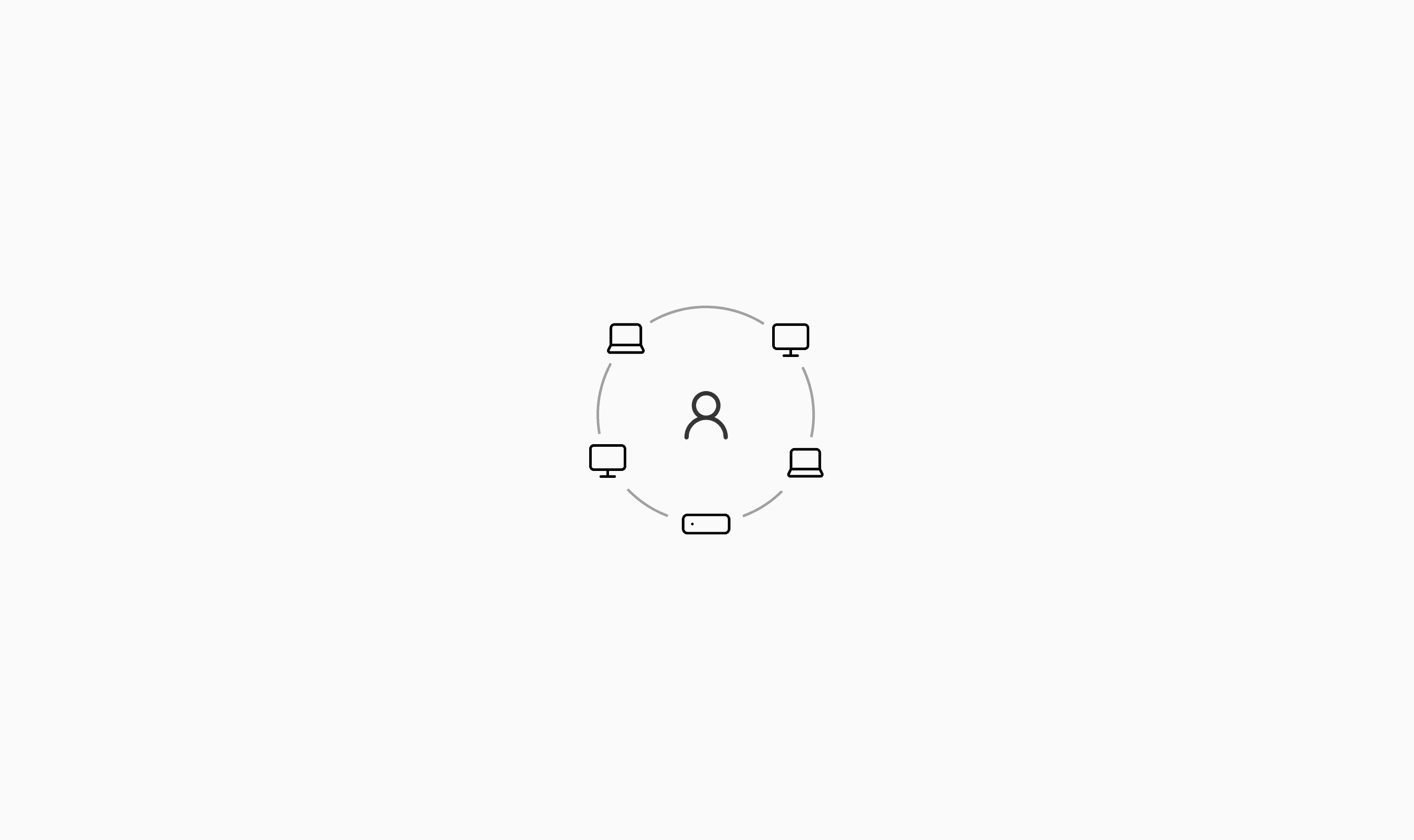
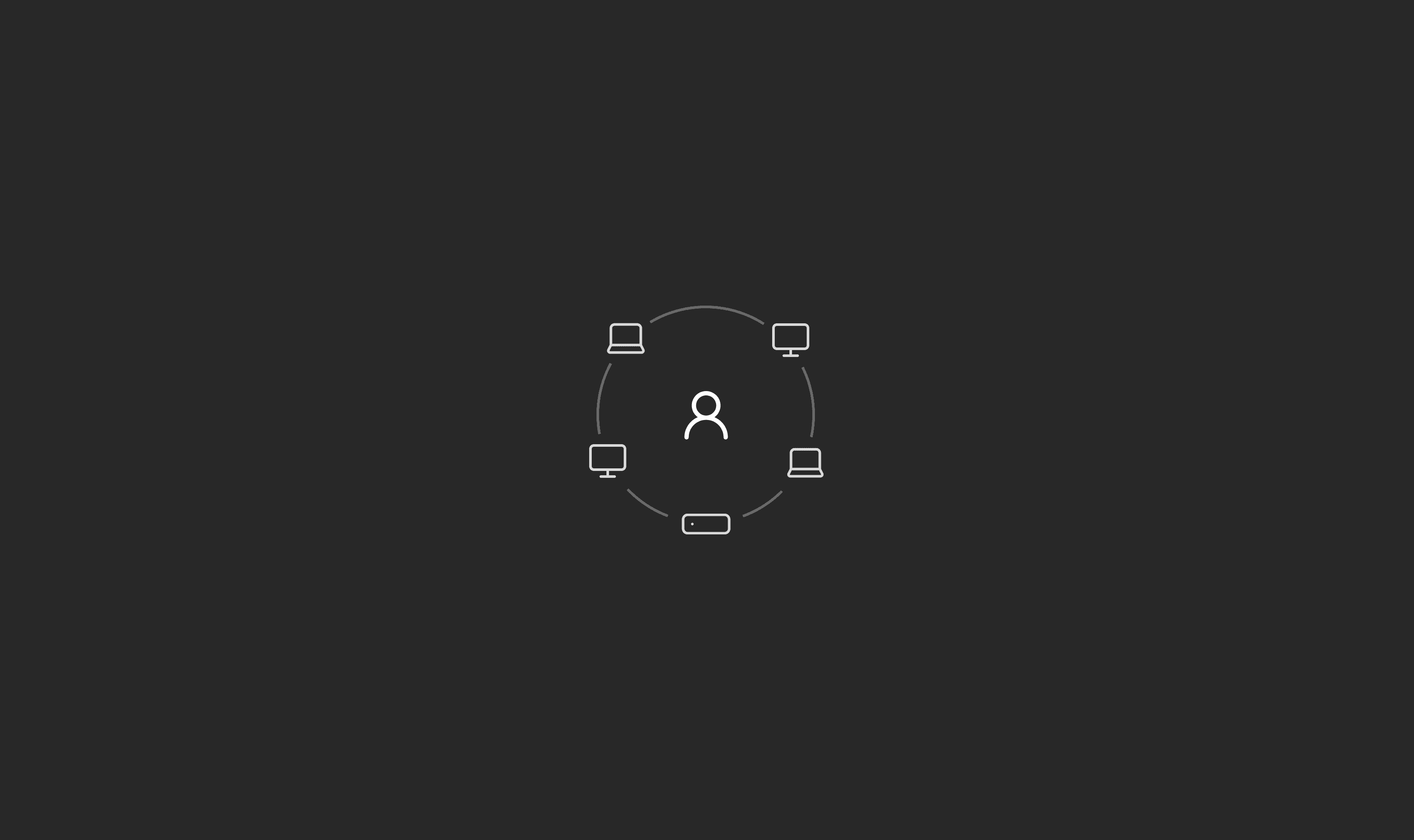
Mars is making it easy to use cloud computers for your ai agents. If you're running long horizon tasks, or building entire features in one go, we want to make running agents on the cloud as simple and feature-rich as running them locally.
The first hurdle to working with cloud computers is building a link between your local machine and the cloud machine. Traditionally when you rented a VPS, you'd keep the SSH port open, authenticate with asymmetric encryption and drive traffic via that. This isn't ideal because all data must move via the SSH encryption stack, which slows things down a fair bit in operations like file transfer or remote desktop.
Above that, connecting to services running on the VPS requires forwarding ports, which we believe is an anti-pattern when you potentially could have multiple cloud computers for all the agents you're running.
Finally, we want to have a no-inbound-ports policy in order to avoid having to deal with that attack surface altogether. With the rise of zero day exploits from newer AI models, this was especially important. This makes Mars secure by default.
Solving networking correctly is important because it makes solving file transfer and remote desktop easier as well. So spending time here would pay dividends later.
Just use Tailscale
Our first approach was, while onboarding, we'd ask the user to download Tailscale. We found out quickly that this was a massive pain. Users would give us a decent cognitive budget when they're trying something new like Mars, although onboarding on two services at once would exhaust the budget quickly.
For every Mars Machine they'd create, they'd have to use the Tailscale dashboard to add that machine into the network, it wasn't just one-time pain; it was recurring.
This coupled with other onboarding tasks like adding ai agents and their dependencies, meant that onboarding became almost an hour long for a user.
Managed Tailscale
A quick solution we deployed was managing the user's Tailscale network (Tailnet) ourselves. This meant asking users to add Mars as an OAuth client on their Tailscale account and our systems would add newly created Mars Machines automatically. This did take out the repeated nature of users having to add machines themselves.
Although this felt half-done. Something better could be made here.
Mars Private Network
The best solution to this problem would be an in-built and managed network that'd take the complete burden of networking off the user. We loved the experience Tailscale offered. Features like MagicDNS make it easy to address Mars Machines and the services running on them. We needed to deliver something similar.
The core of Tailscale is open source, although the parts required to run it fully aren't. We'd need a coordination server which manages authorization, client list, etc. A macOS client for installing Mars Private Network (MPN) as a Network Extension to the OS, so it could run even when the Mars app was closed and a Linux client to run on Mars Machines.
Coordination server
Given the popularity of Tailscale in the homelab community and them giving users an option to connect to different coordination servers directly from their app meant that there ought to be a good open source option that homelab users default to. This turned out to be Headscale. It's an open source, Tailscale compatible, coordination server.
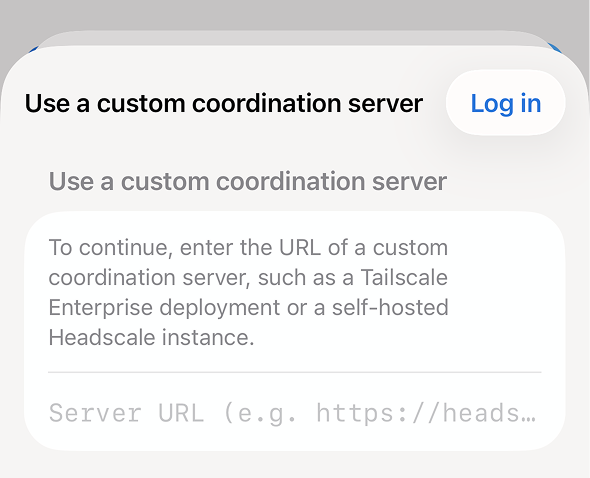
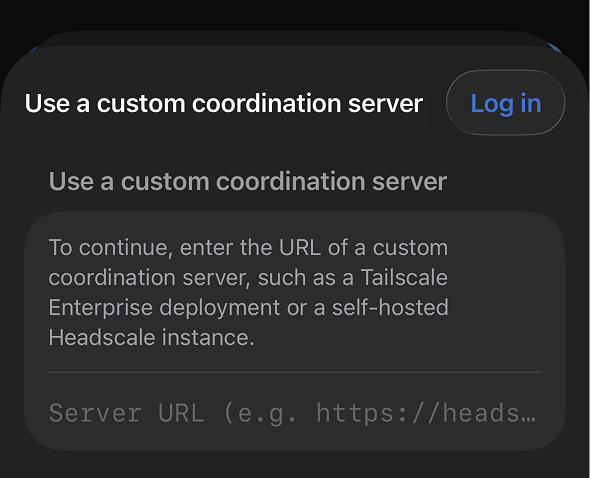
We modified the latest version of Headscale, so it'd work in tandem with our backend (Houston) for authorization and client state updates. We call this modified version Mars Private Network Coordinator (MPNC).
MPNC and Houston share a direct link that allows them to work on networking together. When adding a new machine Houston gets the required keys from MPNC and sends it to the machine that needs to authorize. When machines join or leave the network, MPNC uses the same link to execute state updates in Houston. This link uses an internal network and is inaccessible from the outside, making it secure.
macOS client
macOS allows extending system capabilities using their System Extensions framework. We created one for MPN and bundled it into our desktop app. When you connect to MPN for the first time, we prompt you to install this extension.
Communication from our desktop app to this extension happens via message passing. While we do depend on this for the local state of MPN, for global state, we depend on the data provided by MPNC to Houston, which is synced to the client using our sync engine (Zero).
Linux client
The open source core of Tailscale already included the CLI & daemon for Linux. We chose to make a few changes and build it ourselves.
We were worried about DNS server and IP address clashes if a user had both Tailscale and MPN running at the same time. We chose to change the IP range we operate on, picking 10.10.0.0/16 for IP address assignment and 10.10.10.10 for our DNS server.
Conclusion
With this released, users now have to select just one option while onboarding, and they're set forever. Every network related operation will be managed for them. What was a 20 minute step while onboarding has been reduced to less than 30 seconds.
This also sets the stage for building our file transfer and remote desktop capabilities. More on that coming soon.
A big thank you to Tailscale for providing their core as an open source project, which made Mars Private Network easier to build. Special mentions to Vipul, Sid & Vivek for reading an early version of this essay and providing feedback.